Enquiry form or AI consultant: what should a service website use?
Choose an enquiry form, AI consultant or live chat for a service website. Practical visitor scenarios, delivery checks and ways to combine the tools.
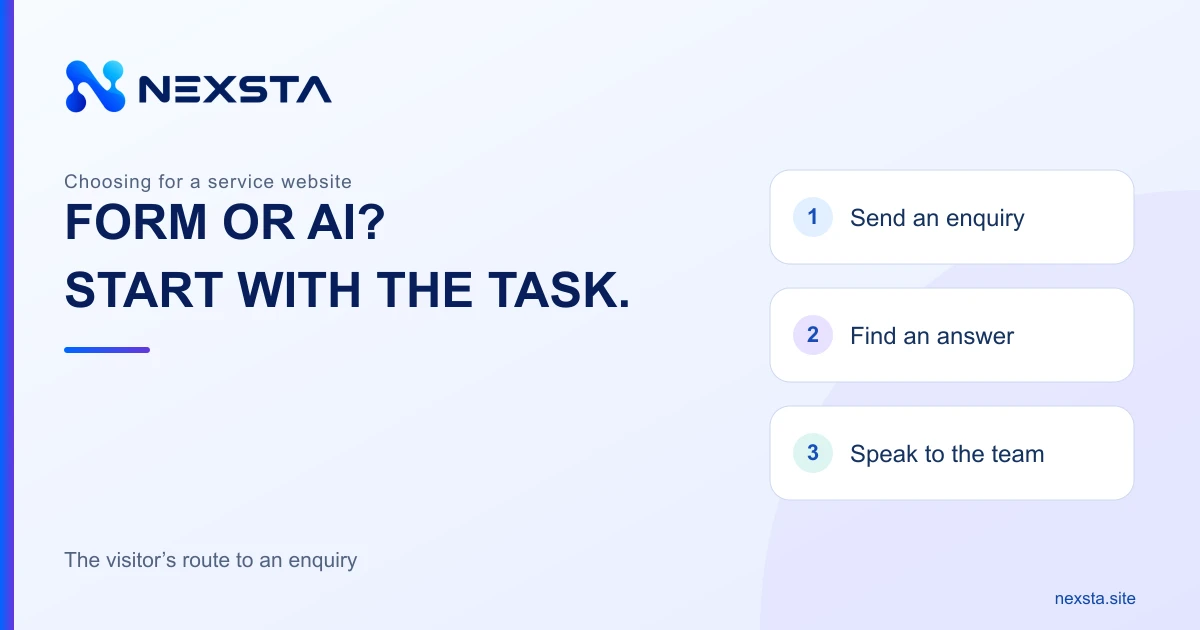
People arrive on a service page with different intentions. One visitor has chosen a service and wants to leave a contact. Another is still deciding whether the offer fits their needs. Choose between an enquiry form and an AI consultant by the visitor’s next step, rather than the number of widget features.
Three tools serve different purposes
- An enquiry form passes a prepared request through defined fields.
- A live chat lets visitors discuss their situation with a member of staff when one is available.
- An AI consultant helps visitors explore company information through free-text questions.
This is a practical distinction, not a ranking. A NEXSTA consultant answers from prepared knowledge; when enquiry collection is configured, requests are available in the dashboard. A standalone form or live operator chat should not be assumed to be included in NEXSTA. See the website widget overview for the broader comparison.
When a form is enough
A form suits visitors who already understand the service and next step. Someone may have chosen a maintenance service and want to discuss a suitable date. A description of the request and an agreed contact method may be sufficient. Sending that request does not confirm an appointment.
Ask why each required field is needed. Information needed only after a conversation need not always be compulsory at the first contact. Explain what happens after submission and who handles the request. Any promised response time must reflect the team’s actual working process.
When AI advice is useful
A conversation helps when a visitor is choosing an option, does not know the service name or wants clarification of a published condition. Within its configured role, the consultant can explain company materials and ask a clarifying question.
This requires current descriptions, limitations, FAQs and a clear next step. If a specific condition is absent, the answer should identify the gap and suggest checking with the team. Free-text dialogue does not authorise a promise of an unlisted service or a special price. See the knowledge base guide.
When a member of staff is needed
An exception, dispute or individual commitment needs a person with the appropriate authority. An operator can clarify terms and make decisions within their role; a chat button alone does not establish that someone is available now.
State actual working hours and how to leave an enquiry outside them. If an AI conversation ends with a question for staff, explain how the visitor will receive an answer. Saving a request is not the same as instantly connecting a live operator. See live support versus an AI employee.
Combine a form and conversation on one page
Keep a short route for a ready enquiry: a clear button and an accessible form. Offer questions alongside it for visitors who need more information. Requiring a conversation before every enquiry may add an unnecessary step for someone who has already decided.
Avoid asking visitors to repeat their needs without a reason. If your process can pass context to staff, check that it arrives; otherwise explain the next action honestly. On mobile, the consultation window should leave the main button and form fields accessible.
Three situations to test
- “I want to discuss a maintenance date.” Provide a direct enquiry route without compulsory consultation.
- “How do these two published service options differ?” An answer from approved materials and clarification of needs can help.
- “Can you make an exception to your terms?” Refer the question to an authorised person without treating the desired answer as an agreed decision.
These are educational website checks, not real NEXSTA customer conversations or promises of a particular conversion rate.
Check whether the form itself is clear
W3C WAI guidance covers labels for form controls and clear submission feedback. Use these references when reviewing an existing form.
Visitors should understand what is required, where an error occurred and how to correct it. After submission, check both sides: the visitor sees an accurate message and the responsible person receives the request. “Thank you” on screen does not by itself prove delivery to the team.
Compare the complete visitor journey
Before adding a tool, run the same scenarios on one page: a ready request, an ordinary question and a question without a confirmed answer. Check completion and delivery for the form, accuracy and next steps for advice, and the clarity of the context received by staff.
Also test the mobile screen, keyboard access and the route back to the service description. A polished first answer is only part of the journey; the useful outcome is the action the visitor intended to take. See the enquiry collection guide.
Measure useful outcomes
Track visits where the tool was available, started actions, delivered enquiries, relevance to the service and staff responses. A chat message and a new enquiry are different events. If one person uses both the form and chat, do not automatically count two new customers.
Compare periods and traffic sources, and mark internal tests and page changes. This comparison cannot establish a universal claim that AI always outperforms forms. For calculations and attribution limits, see the conversion and ROI guide.
Get started with NEXSTA
Choose a few recurring company questions and prepare verified answers. Explore the demonstration scenarios, then try a NEXSTA AI consultant with your own questions. The setup guide explains installation.
Keep the form for visitors ready to enquire, advice for those still exploring, and exception decisions with staff. Choose the final combination from a tested visitor journey and the team’s capabilities.
Sources and scope
- NEXSTA: current AI widget capabilities.
- W3C WAI: labelling form controls.
- W3C WAI: form submission notifications.
Sources checked on 8 November 2026. The comparison and situations are an editorial selection method, with no customer performance statistics. External forms and operator support depend on the website’s existing tools and company processes.