AI website consultants for hotels: guest questions and booking enquiries
Prepare guest answers, collect booking enquiries and hand them to the hotel team. A practical NEXSTA workflow that separates requests from confirmed reservations.
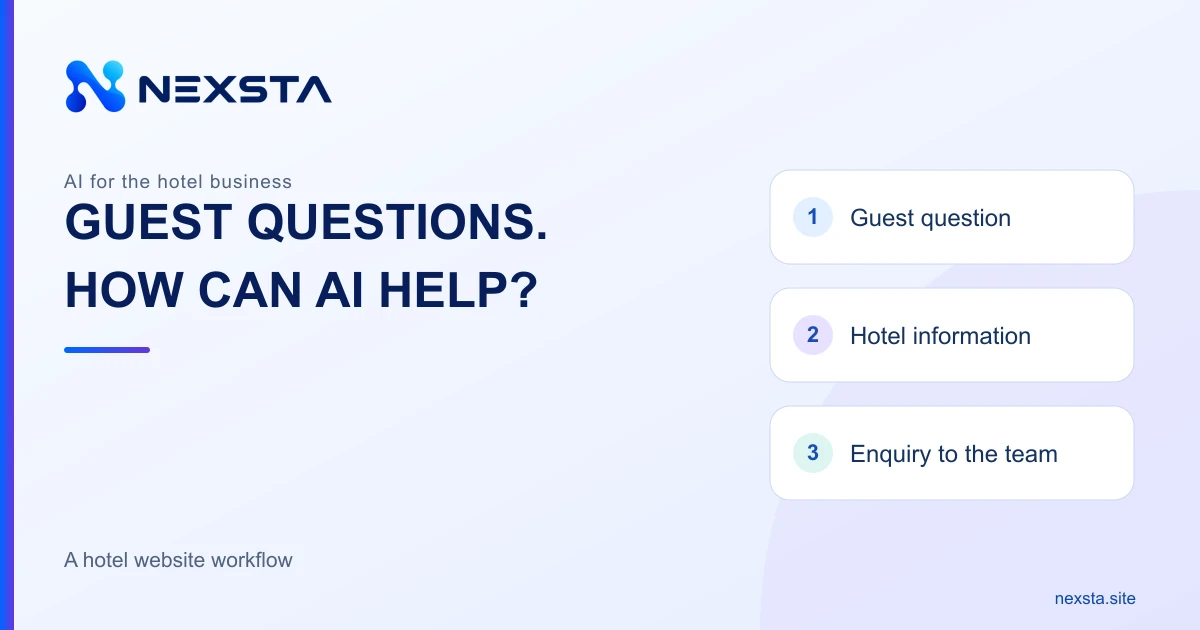
A hotel website visitor wants to know whether the stay suits their needs: arrival times, parking, what is included and how to ask about available rooms. An AI consultant can provide an initial answer from approved information and, if enquiry collection is configured, receive a request for the team. This is a possible NEXSTA workflow, not a hotel customer story or a promise of more bookings.
Separate advice from a confirmed reservation
An explanation of stay conditions, a request to staff and a confirmed booking are different outcomes. A free-text question in chat should not automatically produce “your room is booked”.
If the website already has a booking engine, direct guests to its verified link. Otherwise, explain who will check availability and confirm terms. This scenario assumes no automatic connection between NEXSTA and a hotel management system.
Prepare the questions guests ask
Start with recurring questions for which the hotel has approved answers: location and access, check-in and check-out, accommodation options, meals, parking, pets, accessibility and contact with staff.
Include conditions and exceptions. “Parking is provided” does not mean “a space is guaranteed for every guest”. “Breakfast is available” does not make it part of every rate. Preserve differences between room categories and seasons.
Keep one current version of the terms
Gather room descriptions, approved policies, contacts and clear links to hotel pages. Assign an owner and review date. Resolve conflicts between an old PDF and a current page before using either as a source.
Google’s official hotel information guide treats services and amenities separately. We recommend keeping the website, public profile and consultant materials consistent. This is editorial advice, not a search ranking promise. The NEXSTA knowledge base guide can help structure the materials.
Answer availability and price questions carefully
A published room description does not establish availability for particular dates. A static price list does not confirm the final cost of a specific stay either. The answer must respect the limits of the source actually available.
Without a verified current source, clarify dates and party size, then refer the question to staff or the existing booking engine. Do not substitute yesterday’s price or promise an available room based on its general category description.
Collect enough information for the first enquiry
Proposed dates, number of guests, important accommodation needs and a preferred contact method are usually useful for an initial review. Ask only what your real process needs; avoid making visitors repeat information already supplied.
Explain why you invite the guest to leave a contact: staff will clarify accommodation options and terms. Payment details and passport copies are unnecessary for this initial request. See the enquiry collection guide for the handover process.
An example with a missing policy
Hypothetical scenario: the hotel materials describe parking but do not explain the pet policy. A visitor writes: “We need a room for two from 18 to 21 December. Can we bring our dog?” This is an educational example, not an actual NEXSTA customer conversation.
Possible answer: “The hotel description lists parking. Staff need to confirm room availability for your dates and the conditions for bringing a dog. If you wish, I can pass on your request: two guests, 18–21 December, travelling with a pet. How would you prefer to be contacted?” No room, pet permission or specific parking space has been confirmed.
Organise the team’s work after the chat
When a NEXSTA employee is configured to receive enquiries, these are available in the dashboard. Before launch, check that the responsible person can understand dates, question context and contact method. A new record does not mean that the hotel has already replied.
Describe how evening enquiries are actually handled. Being able to ask a question around the clock does not make the reservations team available around the clock. Promise a response time only if the team can reliably meet it.
Test the workflow before launch
Try a routine policy question, a request for specific dates and a question absent from the materials. Also test a date change during the conversation and the handover to an existing booking engine, if used.
Check accuracy, unsupported promises and preservation of the request’s meaning. On mobile, the widget should leave access to room information and the existing booking button. See the NEXSTA setup guide.
Measure useful outcomes
Track started conversations, useful enquiries, staff responses and hotel-confirmed reservations separately. Several messages from the same guest do not equal several new enquiries. Reconcile requests with hotel records and mark operator tests.
Use the conversion and ROI guide to assess costs and incremental results. Start with NEXSTA demonstration scenarios, then try a consultant with your hotel’s questions. The demonstrations are not hotel customer case studies.
Sources and workflow limits
- NEXSTA: current widget capabilities and enquiries.
- Google Business Profile: managing hotel information.
- Google Business Profile: profile details and check-in/check-out.
Sources checked on 6 November 2026. The workflow and dialogue are editorial examples for your own configuration. Live room availability, payments, booking confirmation and specialist integrations are not claimed as verified NEXSTA features.